City Never Sleeps turned Deadlock's sandbox into a proper lab. You can measure damage, record bots that repeat your movement, see exactly where your gun falls off and shop for free. Here is where everything is and how to use it.
Written byMax CalderDeadlock journalist
Published2 min read
How to open the sandbox tools
Start the sandbox from the Play menu, or use the teleporter in your hideout.
Hold the scoreboard key to bring up the testing tools.
Click Pin Open to keep the panel on screen while you play.
Measure your damage
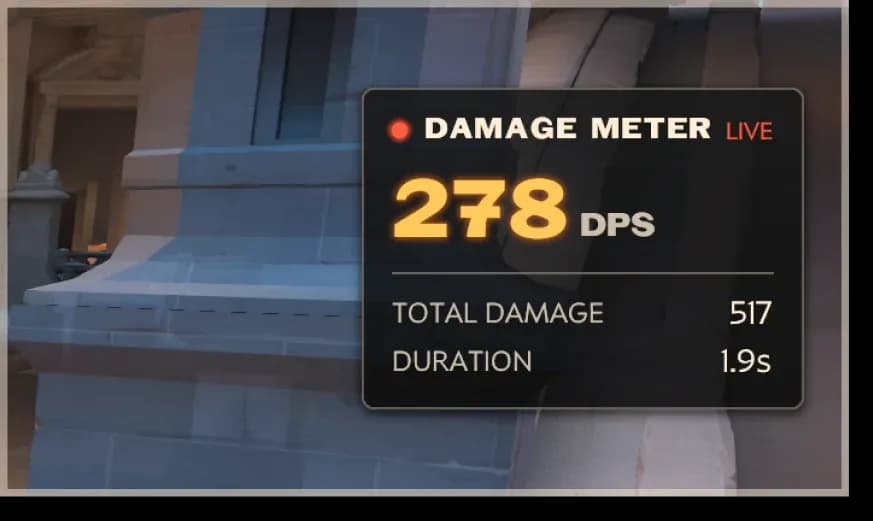
DPS meter: a fight ends three seconds after your last hit, and the result stays on screen so you can compare runs.
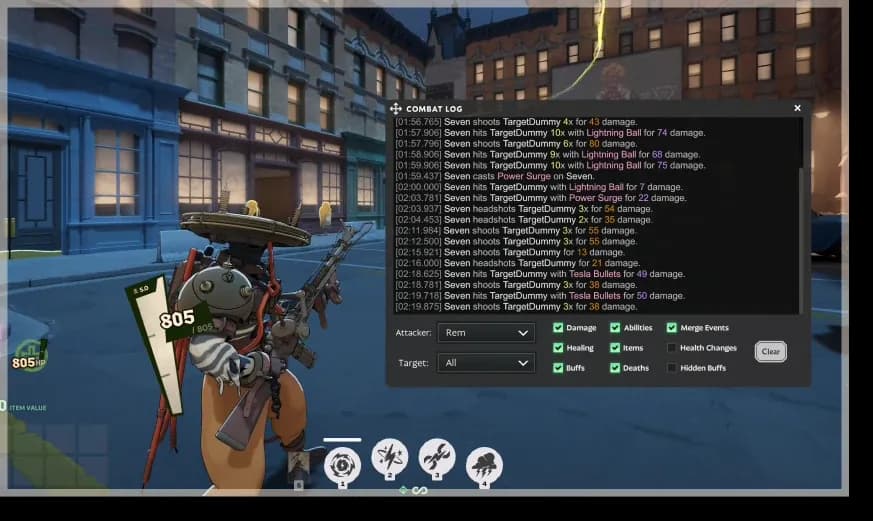
Combat log: every damage instance, plus the buffs and debuffs that were active.
Falloff guides: show where your weapon's damage starts to drop and where it bottoms out.
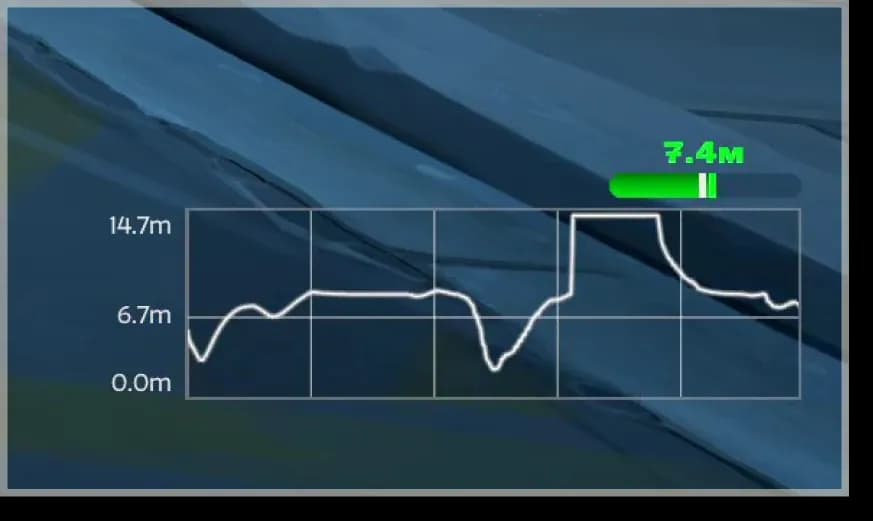
Speed graph: tracks your movement speed, useful for testing mobility items.
Bot recording
Combat log
Speed graph
The new sandbox testing tools.
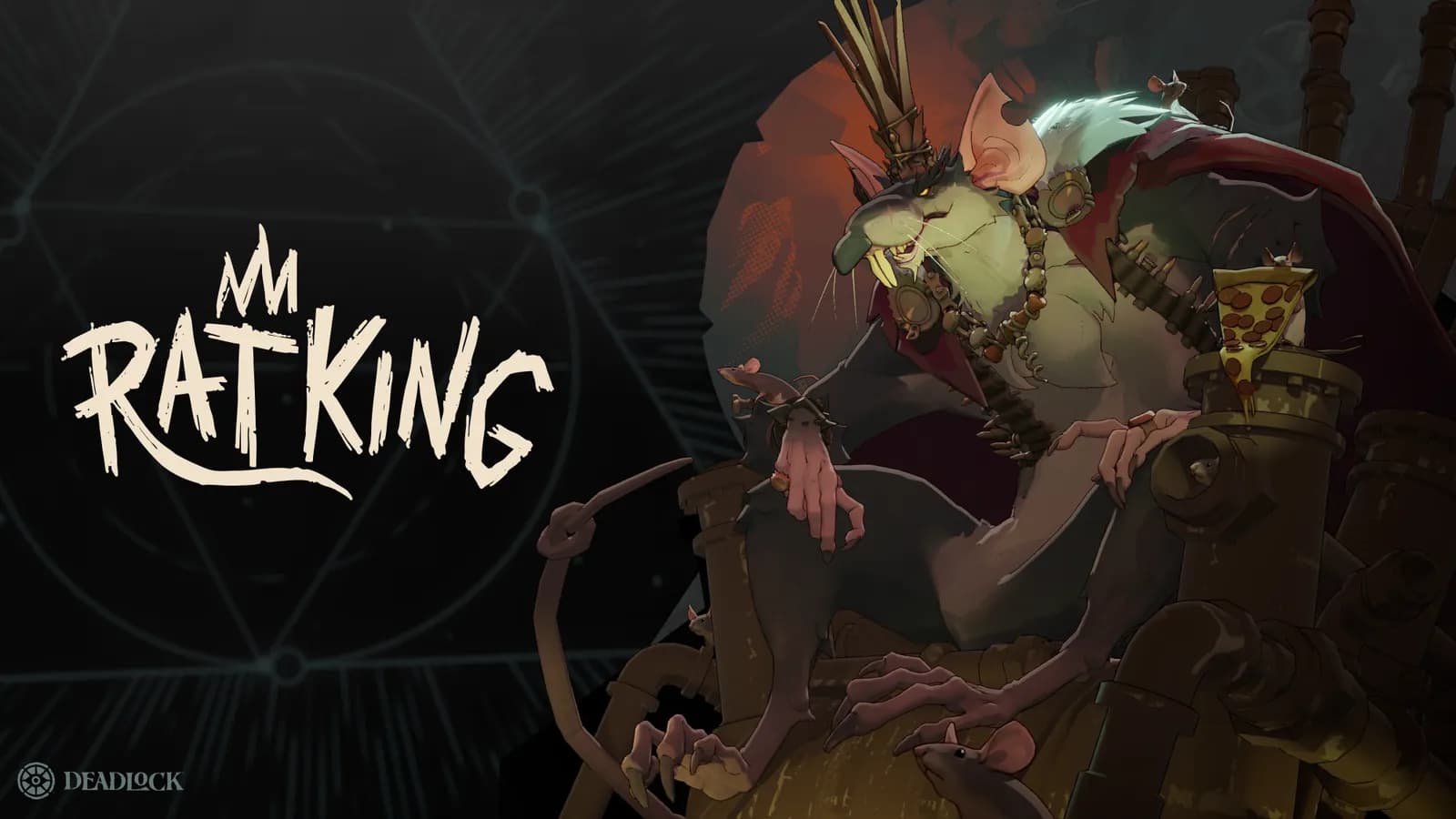
A simple routine: buy your core items, empty a full magazine into a bot at your usual fighting range, note the DPS, then repeat at the edge of the falloff guide. The difference tells you how much damage you lose by taking fights too far away, which is the most common mistake on short-range heroes like Rat King.
Record bots that move like players
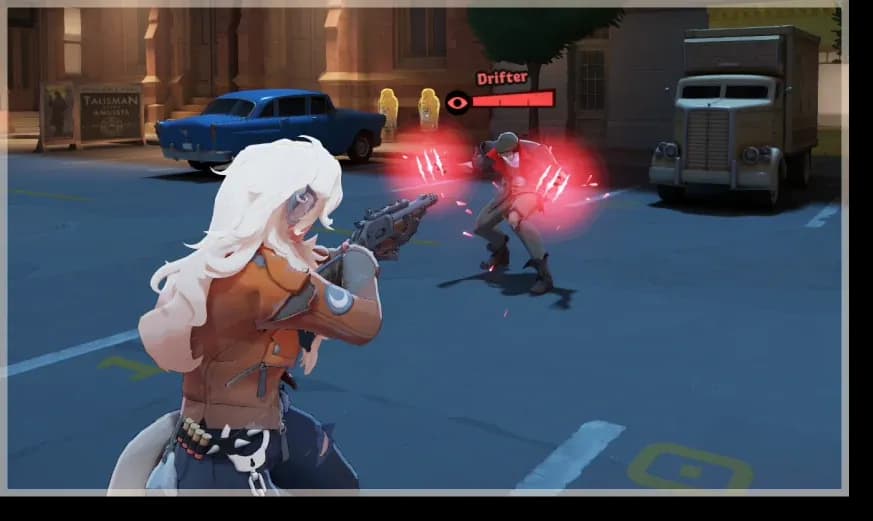
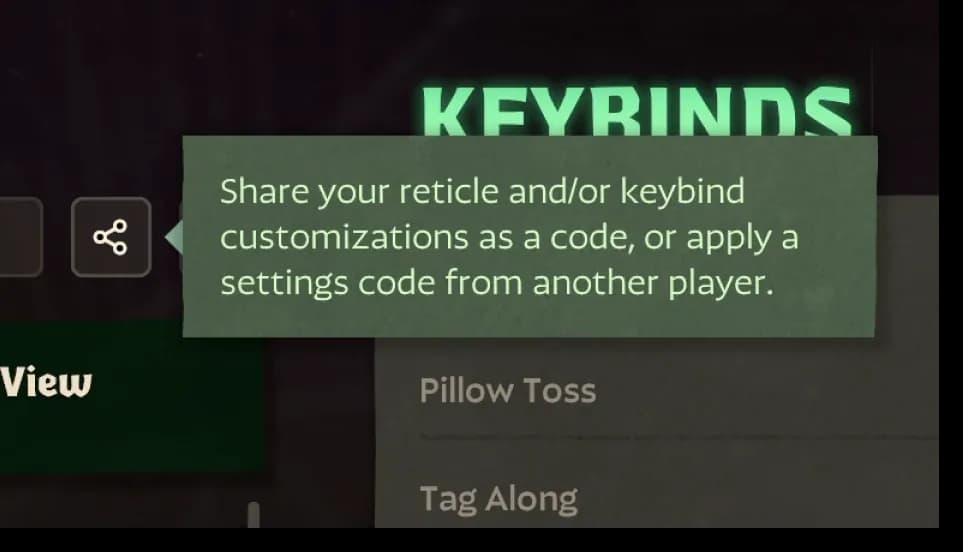
Bot recording lets you record your own movement, loop it on a bot and share it with a clipboard code. Record a strafing pattern once, then practice tracking it as long as you like. Bots can also be fine-tuned, killed or healed instantly from the panel.
Free shop and item modifiers
Free Shop: buy anything without souls, so you can test full builds in minutes.
Shop modifiers for Enhanced, Legendary and Corrupted items, the last being the only place to try The Broker's Corrupted items now.
Grant permanent buffs to see how Buff Container rolls add up.
Control the map
Toggle map spawns and force-spawn camps, so you can practice clearing specific Haunts.
Hotkeys for utilities such as noclip.
Camera lock and hide UI, for clean screenshots and clips.
Game files also contain a few extra testing options, such as toggles for Healing Snacks and a fast movement mode. They are not in Valve's announcement, so they may change or disappear.
FAQ
FILE No. 01
Start the sandbox from the Play menu or your hideout teleporter, then hold the scoreboard key. Pin Open keeps the panel visible.
FILE No. 02
Yes, in the sandbox since City Never Sleeps. A fight ends three seconds after your last hit and the result stays on screen.
FILE No. 03
Yes. The Free Shop toggle lets you buy any item without souls, including Enhanced, Legendary and Corrupted versions through the shop modifiers.
The Deadlock settings worth changing after City Never Sleeps: hidden names, enemy colors, auto fire, settings and reticle share codes and per-hero settings.
Deadlock's Broker sold Corrupted items with huge buffs and random downsides for four days: how he worked, the strongest Corrupted items and why he was removed.
Rat King guide for Deadlock: weapon stats, every ability and upgrade, how vent tunnels work, why his barrier blocks pure damage, counters and first-game tips.